Games Together
Play together nearby or far apart and pick up where you left off.
Sign up for early accessWhat is it for?
Play together on the sofa or from miles apart.
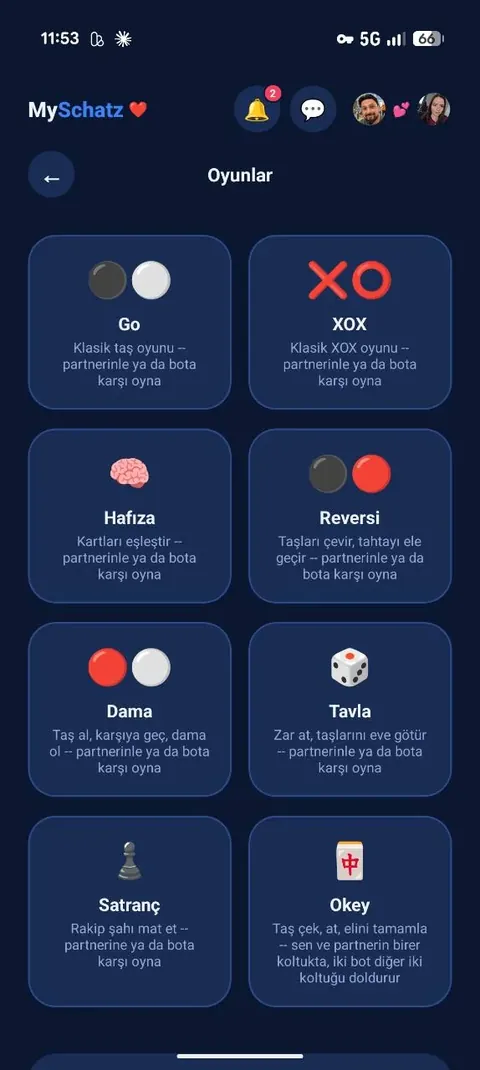
Eight classics are available. If your partner is busy, practise against the computer.
1. Choose a game and invite your partner
Select a game and, where relevant, the board size or number of cards. Send your partner an invitation.
A notification and an in-app question invite them to join.
- Play: The game starts.
- Not now: The invitation remains available to return to later.
2. Take turns
After your move, your partner is notified that it is their turn.
You do not have to play at the same time: a game can start in the morning and continue at lunchtime.
Moves update on both phones. If you are both present, play together in real time.
3. Results and a rematch 🏆
Both players see the result when the game ends. “New game” starts a rematch.
If you end and leave a game, the other player counts as the winner.
Against the computer, an unfinished game can be saved and continued later.
Your games
- Backgammon: Roll the dice, move your checkers, hit single opposing checkers and bear all your own checkers off.
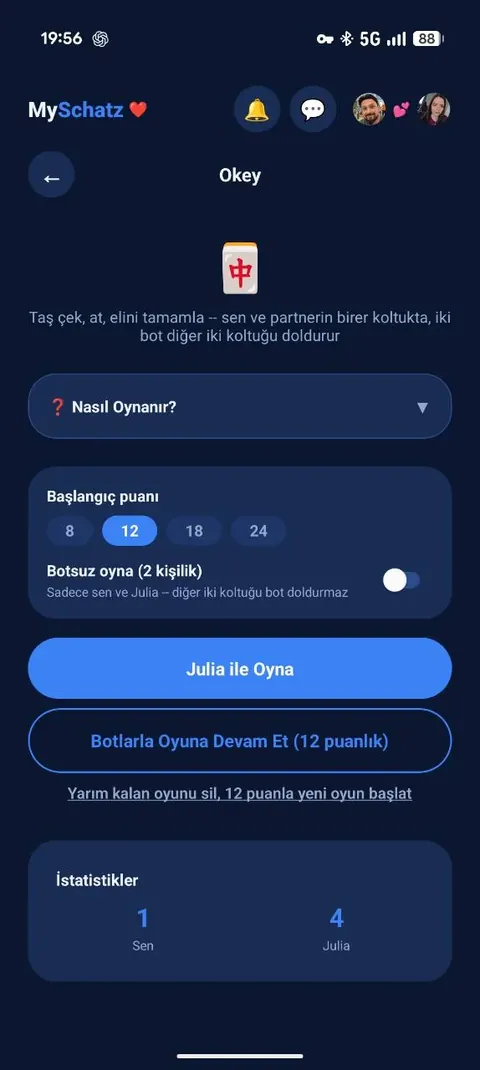
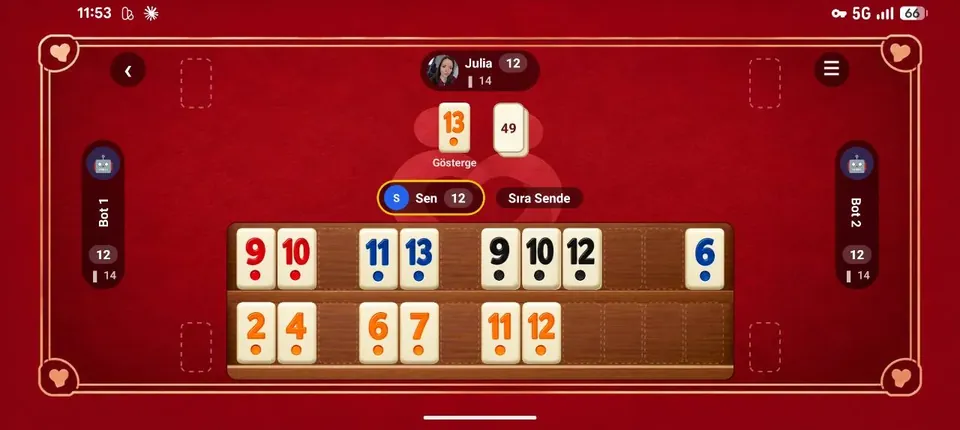
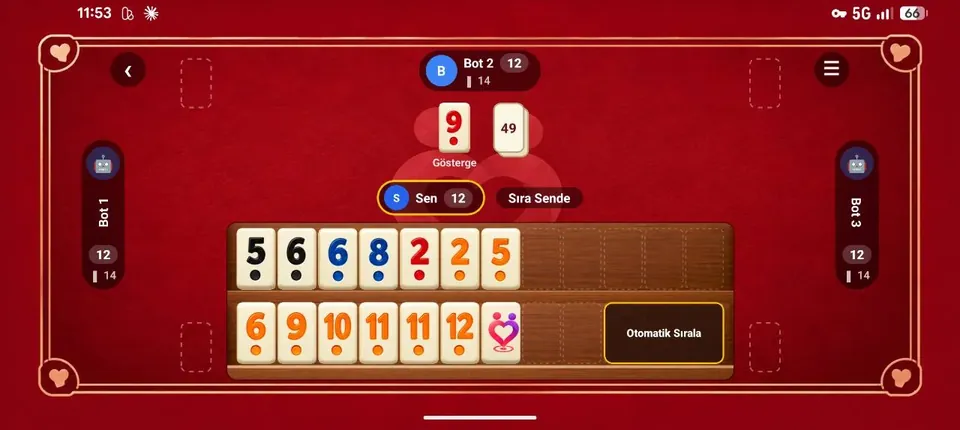
- Okey: Draw and discard tiles to form runs and groups. You and your partner play with two computer players. Choose 8, 12, 18 or 24 starting points; a player reaching zero is eliminated.
- Chess: Classical rules, aiming to checkmate the opposing king.
- Turkish draughts: Pieces move straight, captures are compulsory and reaching the far side makes a king.
- Reversi: Trap opposing pieces and turn them to your colour. Most pieces at the end wins.
- Tic-tac-toe: Make a line of 3 on a 3×3 board, 4 on 6×6, or 5 on 9×9.
- Memory: Take turns revealing two cards. Matching a pair earns another turn. Choose 8, 16 or 30 cards; most pairs wins.
- Go: Surround opposing stones and secure territory. Choose a 6×6, 9×9 or 13×13 board.
Each game includes its own instructions.
Statistics 📊
See your wins, your partner’s wins and draws across the games.
Who keeps the household title – and who does the washing-up – is up to you!
Real app screenshots
Hold an image to enlarge it. Release to close.